
Discord Rich Presence
Show your friends on Discord what you are playing right now.
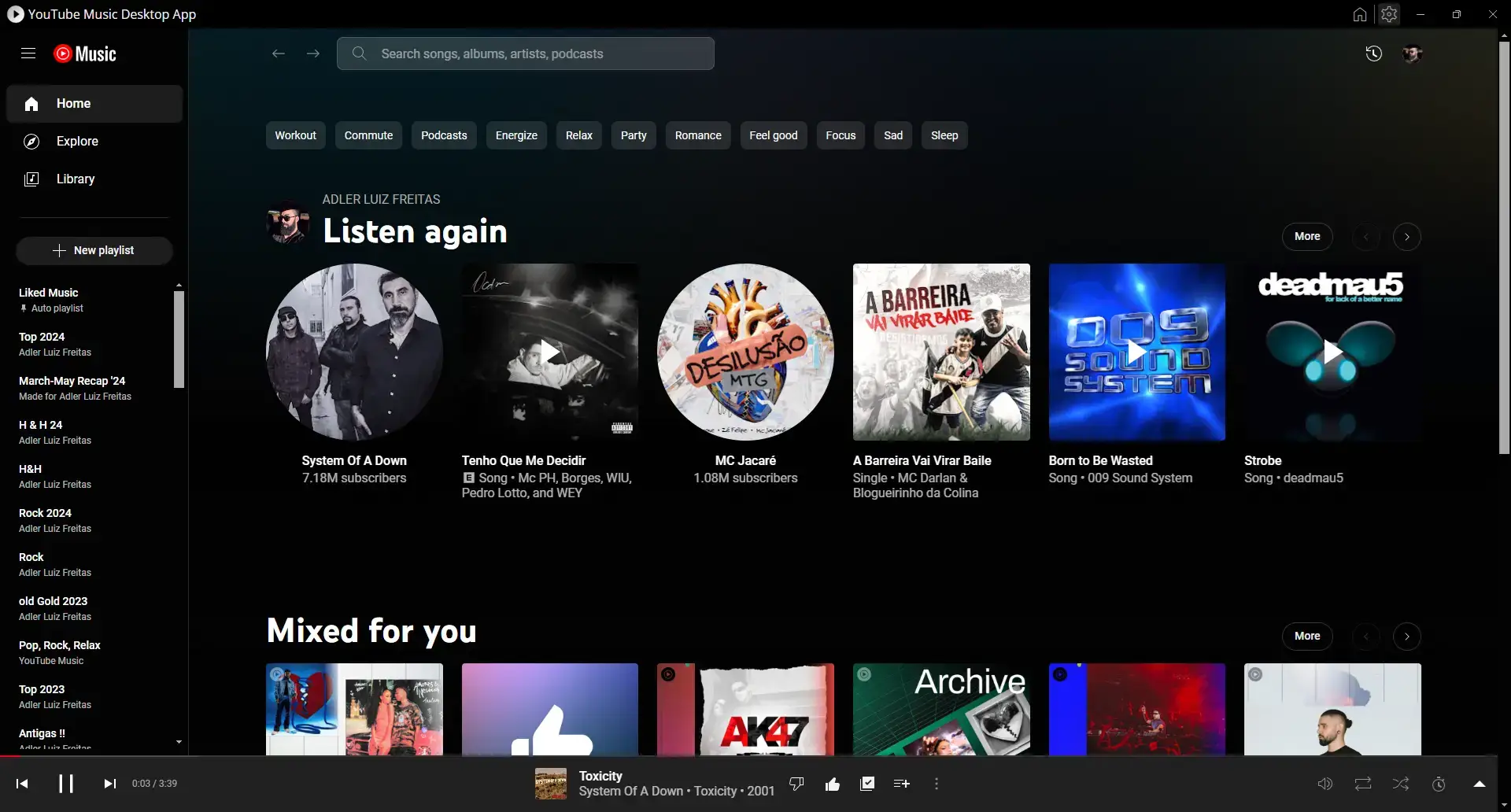
YTM Desktop is a YT Music client for Windows, macOS and Linux. It is a lightweight browser client packed with a lot of features.
YTM Desktop wraps YouTube Music in a tidy app and adds the tools people ask for most.
Show your friends on Discord what you are playing right now.
Control your music from other apps and devices on your network.
Send your listening history to Last.fm and ListenBrainz.
Style the app your way with your own CSS themes.
Global hotkeys, media keys and a tray icon keep control close.
See song info, lyrics and a note each time a new song starts.
Free and open-source. Pick your platform and grab the latest build.
Latest version v2.0.12Windows 10 and 11
Apple Silicon and Intel
deb and rpm packages
Looking for other builds or older versions? See every release on GitHub
Short answers to the questions people ask most about YTM Desktop.
YTM Desktop is a browser-like desktop app that plays YouTube Music on Windows, macOS and Linux. It is a lightweight client with handy extras built in.
YTM Desktop is an open-source project created by Adlerluiz, with help from the community. The full code is on GitHub.
Yes. YTM Desktop is free and open-source. There is no price and no account needed to use.
YTM Desktop plays YouTube Music the same way the website does. If you want built-in ad-free playback and SponsorBlock, you may like Pear Desktop.
On Windows, pick the Setup file. On macOS, pick Apple Silicon for M1, M2, M3 and newer Macs, or Intel for older Macs. On Linux, pick the deb or rpm that fits your distribution.
YTM Desktop ships as deb and rpm packages, so it works on Debian, Ubuntu, Mint, Fedora, openSUSE and more, on both amd64 and arm64.
No, not yet. There is no road map for plugins.